
Android 17 Officially Arrives: 3 Groundbreaking Features Changing How We Use Smartphones
Google has officially rolled out the stable release of Android 17. Featuring desktop-like multitasking, direct AirDrop file-sharing interoperability, and robust new privacy controls, this update elevates the mobile OS into a proactive intelligence system.
Key takeaways
- • Google has officially rolled out the stable release of Android 17
- • Featuring desktop-like multitasking, direct AirDrop file-sharing interoperability, and robust new privacy controls, this update elevates the mobile OS into a proactive intelligence system
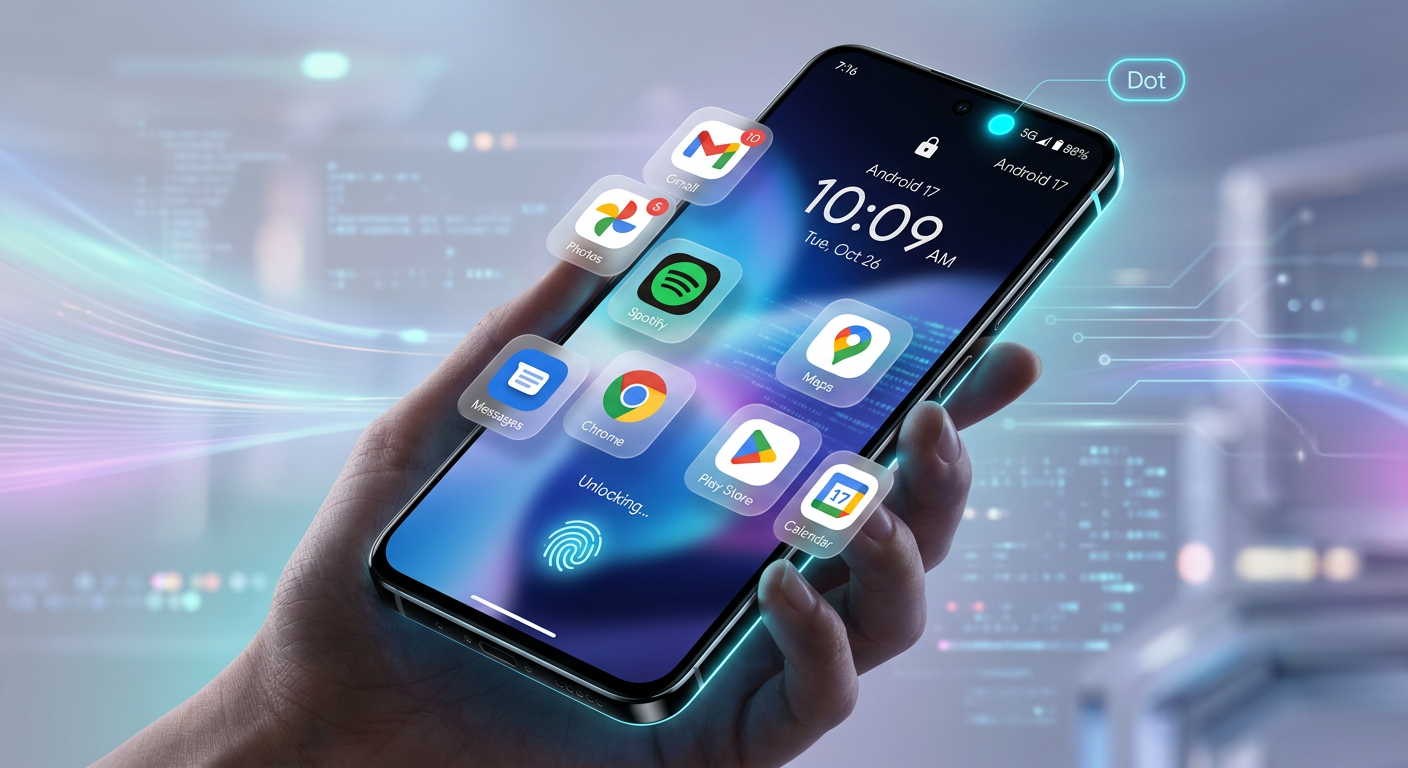
Android 17 Launch: 3 Features Redefining Your Smartphone
Google has formally kicked off the rollout of its stable Android 17 operating system, beginning with supported Pixel devices. Dubbed "Cinnamon Bun" internally, this release marks a fundamental shift from a standard mobile OS to what Google calls a proactive "intelligence system". While there are countless under-the-hood optimization layers, Android 17 is bringing some of the most dramatic user-facing improvements in years.
Here are three groundbreaking features that define Google's latest software upgrade.
1. Quick Share’s AirDrop Interoperability
For years, the digital divide between Android and iOS users has been a persistent thorn in the side of seamless file sharing. With Android 17, Google has finally bridged the gap. The newly upgraded Quick Share now supports direct sharing with iPhones, iPads, and Macs.
By leveraging a secure, local connection, Android users can generate a native QR code that an iOS user scans to instantly download files via their browser—no third-party app installations required on the Apple device. Even better, select flagships from Samsung, Pixel, and Xiaomi now support direct AirDrop interoperability for friction-free, high-speed transfers.
2. Platform-Wide "App Bubbles" for Multitasking
Multitasking on Android is taking a page from the desktop playbook. Moving beyond its legacy messaging bubbles, Android 17 introduces platform-level App Bubbles. Users can now long-press almost any app icon on their home screen launcher and instantly transform it into a compact, floating window.
Whether you are calculating expenses, writing down notes, or keeping a video call active, up to five of these "Bubbles" can float freely over your primary screen. For tablets and foldables, a dedicated Bubble Bar docks at the bottom of the screen to neatly manage and switch between these windows.
3. The Status Bar "Blue Dot" Privacy Tracker
Following the success of green and orange privacy indicators for the camera and microphone, Google has introduced a new Blue Dot privacy tracker to the status bar.
If an app begins accessing your real-time location in the background, a small blue dot will immediately illuminate next to your battery icon. Users can tap directly on this dot to see which app is tracking them and instantly revoke its permissions. This provides a straightforward, visual shield against background telemetry and unauthorized location harvesting.
Rolling Out Now
The stable build of Android 17 is actively rolling out to Pixel 6 and newer devices. Other flagship manufacturers, including Samsung, OnePlus, and Xiaomi, are expected to bring Android 17 to their respective custom skins later in the year.
Tags
Grounded sources & citations
What to read next

Closing the XML Tab Forever: Inside Android's Official "Compose-First" Transition
AI That Speaks Compose: Inside Android's Revolutionary A2UI and AG-UI Generative UI Engine
From Chrome to Aluminium: Inside Google’s Secret Android Desktop Revolution
Enjoyed this? Get the next one
Subscribe to the newsletter and the next playbook lands in your inbox — no spam, unsubscribe anytime.